Quick Start Guide

Learn to CreateQR Codes

Create, customize, and track professional QR codes in seconds. Follow our simple guide to get the most out of your tools.

01

Paste & Input
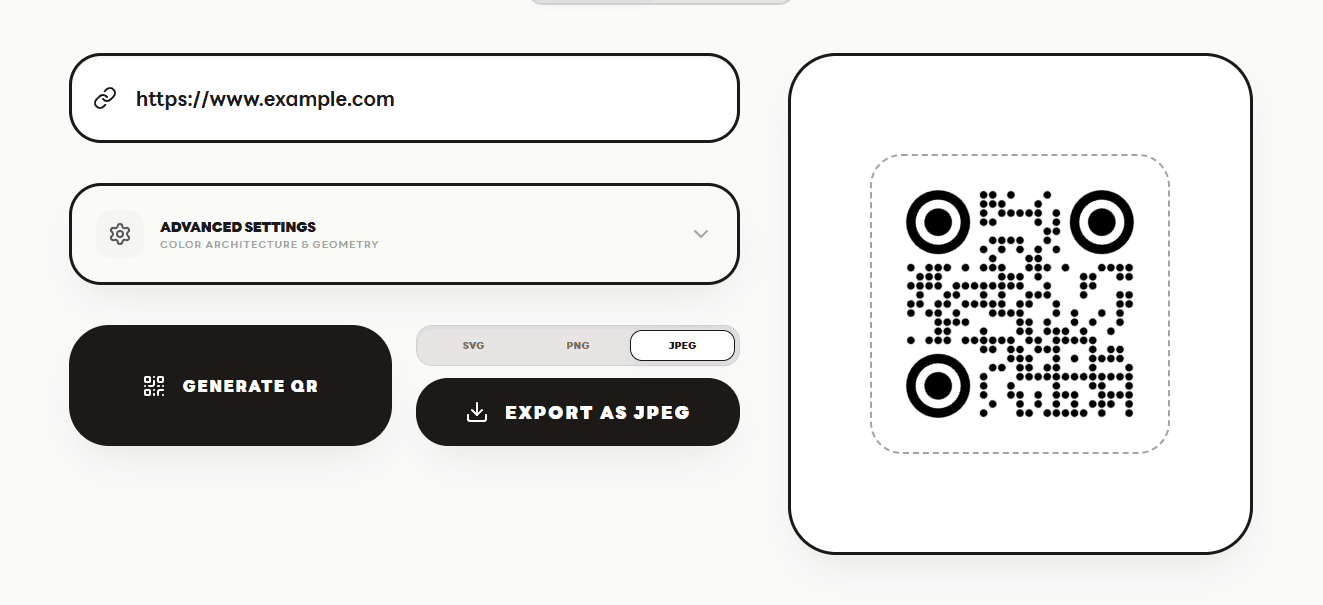
Start by pasting your destination URL or any text content into the main input field. Our system handles everything from simple links to complex vCards.

Paste & Input
02

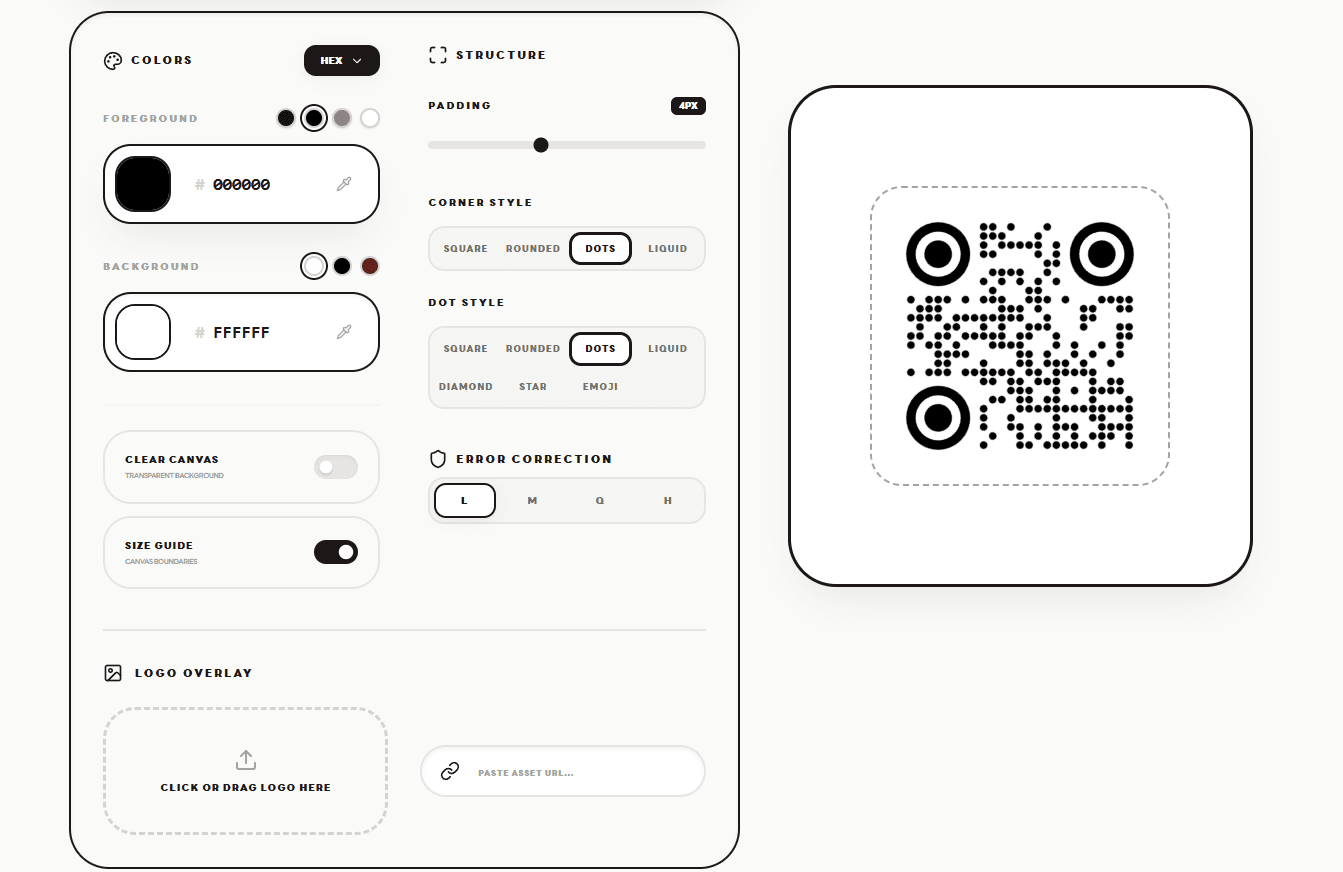
Customize & Style

Personalize your QR code to match your brand. Choose from premium patterns, select custom colors, and even upload your own logo for a professional touch.

Customize & Style
03

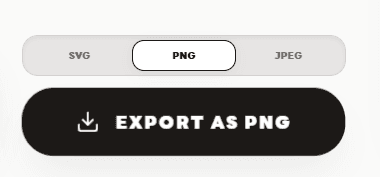
Instant Export

Once you're satisfied with the design, export your QR code in high-resolution PNG or SVG formats. Perfect for digital screens or high-quality printing.

Instant Export
04

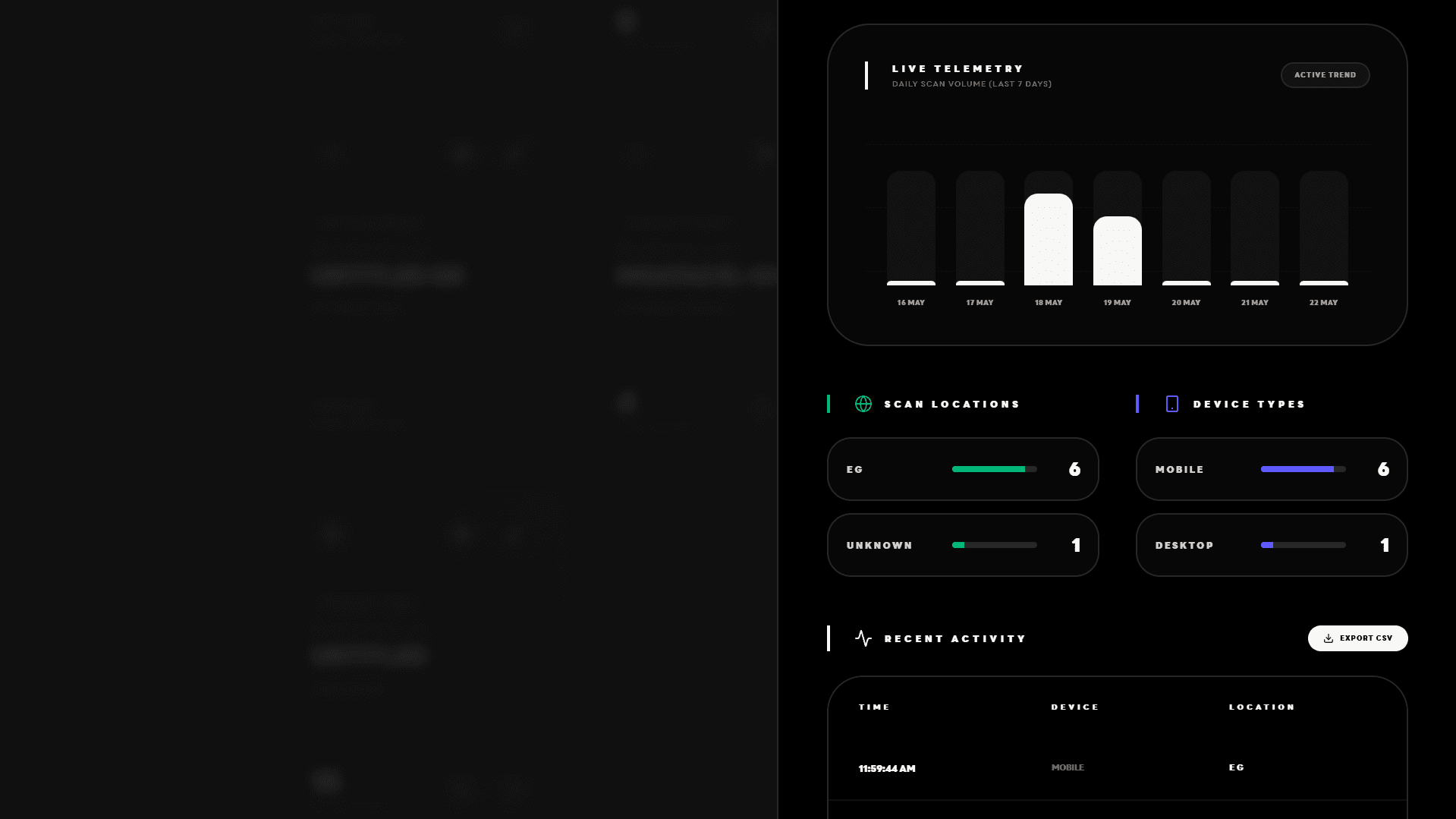
Monitor & Manage

For Pro users, the journey doesn't end at export. Track your scans in real-time, view geographic data, and change your destination URLs instantly from your dashboard.

Monitor & Manage

Ready to create your next masterpiece?